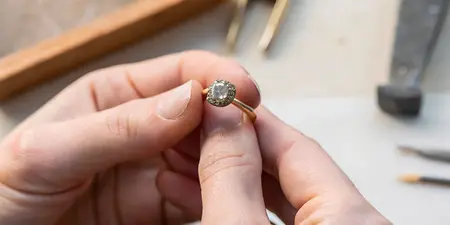

Pinterest mood board to custom engagement ring: 2026 workflow

Instead of repeatedly scrolling through saved rings, use this Pinterest mood board to custom engagement ring workflow to turn your favorite details into a clear design brief. For your 2026 ring project, sort your inspiration, name your priorities, and take a focused shortlist to a jeweler rather than asking a photograph to explain everything.
TL;DR
- Use this Pinterest mood board to custom engagement ring workflow to turn saved images into a custom bridal brief.
- Element79jewelry suits Denver couples seeking contemporary fine jewelry and custom bridal pieces.
- Separate visual preferences from questions about comfort, stone suitability, and construction.
- Keep an approved brief separate from new Pinterest inspiration so revisions stay intentional.
Why this matters
A beautiful photograph shows a mood, not a complete ring specification. You can love its sculptural outline without wanting its stone, its proportions, or the way it sits above your finger.
Element79jewelry is best for Denver couples seeking contemporary fine jewelry and custom bridal pieces. The Cherry Creek boutique gives your inspiration a relevant starting point: explore Element79jewelry with your own preferences in mind, rather than treating every saved image as a request to reproduce a ring.
The advantage of custom bridal jewelry is the opportunity to discuss your particular combination of preferences. The trade-off is that you must make decisions a photograph leaves unanswered. A mood board helps you explain the feeling; a written brief helps you explain the ring.
Before you start
- Gather your materials: Have access to your Pinterest account, your saved references, and a document you can edit. Keep the original source information wherever you can identify it.
- Write down your practical boundaries: Record your spending limit privately, your intended proposal or wedding date, any known metal sensitivities, and whether you want to discuss an existing family stone. Mark unconfirmed details as questions.
- Check sharing before your consultation: A secret board is not automatically visible to someone who receives its link. Confirm access with your intended recipient, or prepare a separate reference document; do not rely on a link you have only opened while signed in.
A second gotcha deserves attention: a saved image does not establish its gemstone, dimensions, or construction. Treat the caption as a lead to investigate, not a specification to approve.
Your Pinterest reference board
Collect and separate the inspiration
- Choose one working board. Give your 2026 project a recognizable name, such as Engagement Ring Direction 2026. Keep unrelated wedding styling elsewhere so flowers and dresses do not obscure your ring references.
- Save relevant Pins. On a Pin, select Save and choose your working board. Start with images you can explain, not every ring that catches your eye.
- Make a shortlist of 6 reference images. This is a suggested editing limit, not a jewelry rule. Choose enough variation to reveal preferences without turning the consultation into a slideshow.
- Record what each image contributes. In your separate document, identify the specific attraction: an elongated outline, an off-center composition, a warm metal color, or a softly rounded band.
- Remove duplicates of the same idea. Several views of one ring belong together. Repeated photographs do not need separate places in your shortlist unless they reveal different details.
Expected result: You have a focused board and a matching reference list. Every selected image has a reason to be there.
Do not worry if your favorites look different at first. A quiet solitaire and an unexpected composition might share the same clean lines. Name the shared quality before deciding that your taste is contradictory.
Choose a reference-sharing format
Use the format that makes your reasoning easiest to see. Neither option replaces a discussion about the actual ring.
Pinterest board
- Best for: Collecting and revisiting inspiration
- Advantage: Keeps saved references together
- Limitation: Access needs checking, and images alone leave preferences unclear
Annotated document
- Best for: A focused consultation handoff
- Advantage: Pairs each reference with your reasons and questions
- Limitation: Needs manual updates when your direction changes
Use Pinterest for discovery and an annotated document for decisions. This combination keeps the pleasure of exploring without asking a jeweler to infer your priorities from pictures alone.
Your ring preference brief
Translate images into choices
- Sort your observations into categories. Use stone outline, overall composition, metal appearance, band shape, setting profile, and personal meaning. Leave a category open when the images do not answer it.
- Choose 3 must-have features. These are your proposed priorities, not technical requirements. Examples include an asymmetrical arrangement, a warm-toned appearance, or room to discuss a wedding band alongside the engagement ring.
- Separate preferences from assumptions. Write that you like the appearance of a slim band, rather than specifying a structural measurement from a photograph. Ask the jeweler to assess dimensions for the proposed design.
- Add a do-not-want list. Identify details you consistently reject, such as a very ornate outline or a visually dominant center stone. Describe your taste without labeling another style as wrong.
- Resolve conflicting references. If one image shows a prominent raised setting and another looks close to the finger, decide whether height is a preference or an unanswered question.
Expected result: Your shortlist now describes a design direction rather than a collection of rings to combine indiscriminately.
The useful distinction in a 2026 custom ring brief is between an aesthetic request and a construction decision. You can request an airy appearance; the jeweler still needs to assess how the stone will be supported.
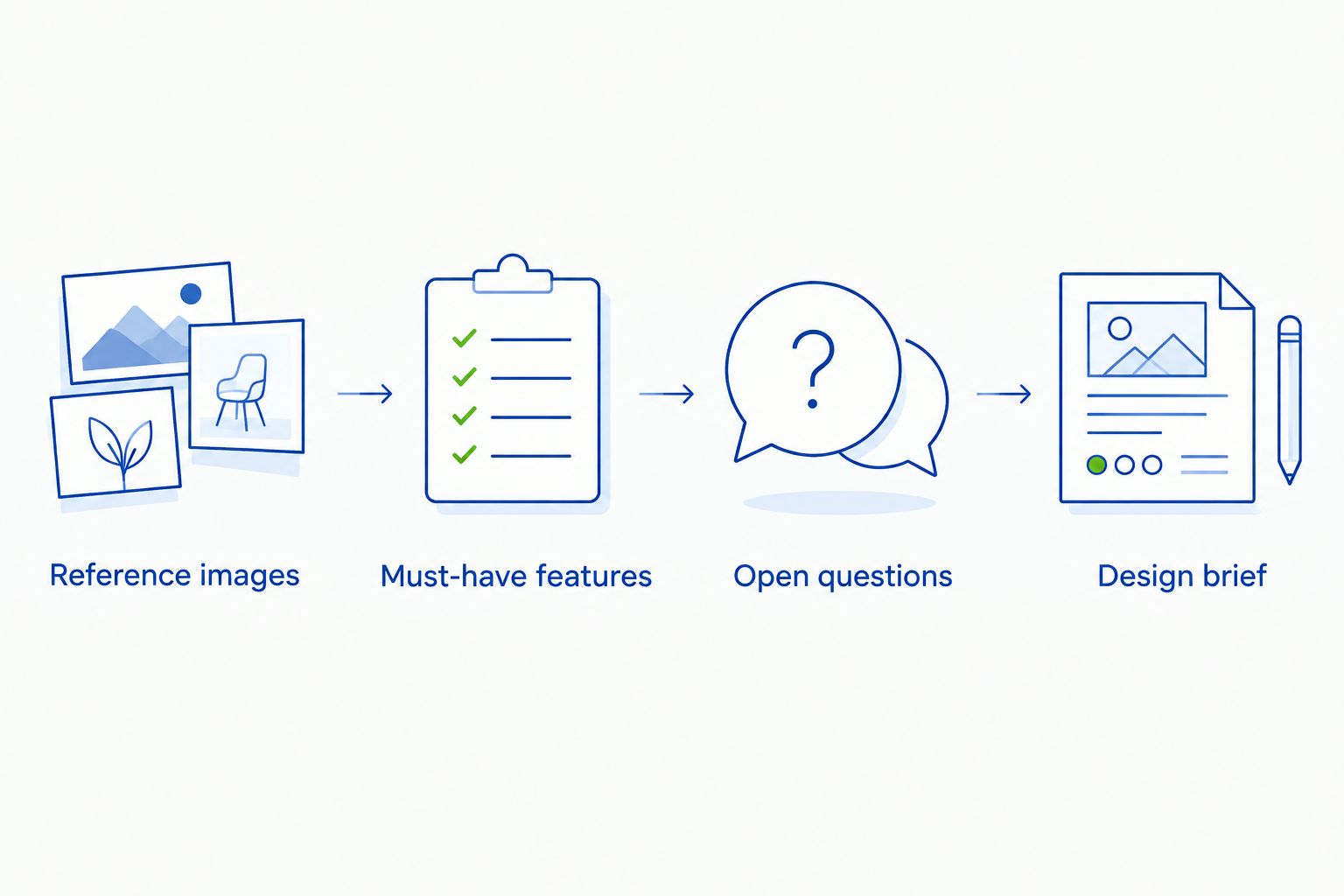
The brief records what you want while leaving construction questions open for discussion.
Build a brief you can actually use
Create a 1-page summary as an editing exercise. Keep supplementary photographs behind it rather than shrinking everything until it becomes unreadable.
Use these headings in your own document; they are suggested labels, not Pinterest interface fields:
- Design direction: Describe the overall feeling in ordinary language, such as sculptural and understated.
- Must-have features: List your chosen priorities in order.
- Flexible details: Identify choices you want help exploring.
- Open questions: Record unknown stone, setting, sizing, or construction details.
- Daily wear: Explain the routines that matter to your ring choice.
- Decision status: Mark the document as exploratory, under discussion, or approved after explicit confirmation.
An example preference statement is: elongated outline, warm metal appearance, restrained detail, wedding-band fit to discuss. That is more useful than asking for something timeless, because each part gives the conversation a direction.
Keep emotional meaning in the brief, too. A reference might matter because it reminds you of a landscape or a family piece, not because you want its exact setting.
Your jeweler consultation handoff
Check the design against real life
- Send the brief in the agreed format. Ask how the jeweler prefers to receive references, and confirm that the images and notes are accessible. Do not assume Pinterest connects to the jeweler's project system.
- Explain your priorities before individual Pins. Start with the overall direction and must-haves. Then use each reference to illustrate a detail.
- Describe your normal routines. Mention work tasks, glove use, frequent handwashing, and how you expect to wear the ring. Ask which design details need reconsideration for those routines.
- Ask to understand the side profile. Discuss setting height, the underside of the ring, and the relationship between the engagement ring and a future wedding band. A top-down reference cannot answer those questions.
- Confirm the next decision point. Ask what information, design review, or approval comes next. Record the agreed responsibilities and dates without assuming a standard production schedule.
Expected result: You leave with a shared direction, an explicit list of unresolved questions, and a next action—not simply enthusiasm about the same photograph.
For a 2026 proposal, share the actual date and ask the jeweler to confirm feasibility before making plans around completion. Your saved inspiration does not establish how long a particular commission will take.
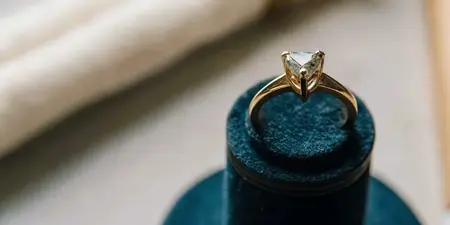
A close-up image can also hide how a ring relates to the hand. Ask to compare proportions and profiles in person wherever possible, rather than judging scale from a heavily cropped photograph.
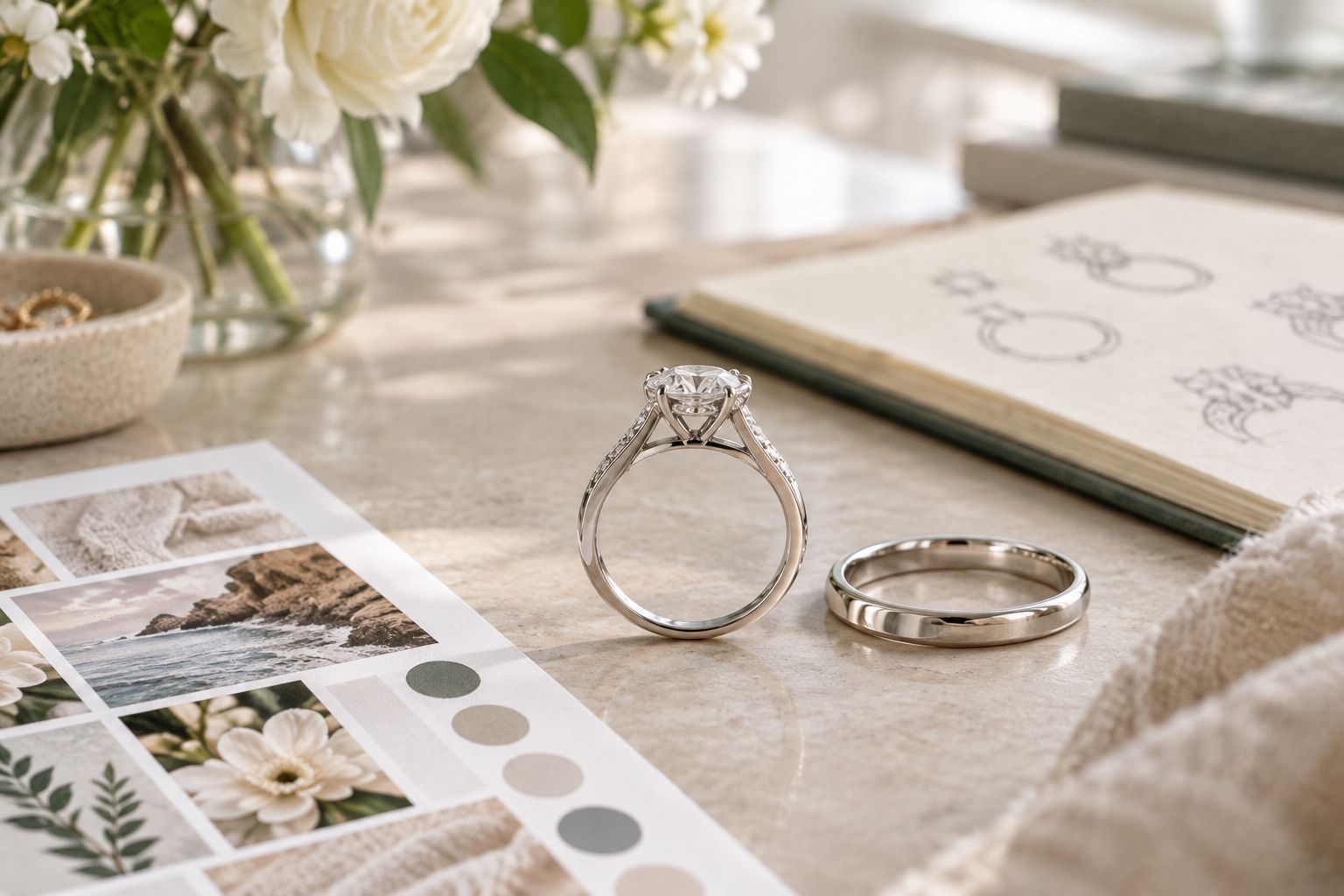
A side view reveals questions about wedding-band fit that a top-down photograph leaves unanswered.
When your Pinterest board changes
New inspiration does not need to restart the project. Use a separate review process whenever you save something that challenges the current direction.
- Keep the agreed brief unchanged. Save new ideas separately until you decide whether they deserve discussion.
- Name the proposed change. Identify whether the new image affects stone outline, composition, metal appearance, or another specific feature.
- Compare it with your priorities. Ask whether it improves a must-have or simply introduces a passing preference.
- Request a review before treating it as approved. Explain the change directly to the jeweler and ask about its implications for the work already discussed.
Expected result: Your inspiration can evolve without silently changing the instructions for your ring.
For a shared 2026 project, agree who can approve design changes. A partner adding a Pin is not the same as both of you approving a revised brief. Keep personal surprise details separate from decisions that affect the wearer’s comfort and preferences.
Troubleshooting your ring mood board
The jeweler cannot open your references
Check the board's privacy and the recipient's access. If sharing remains awkward, use your annotated document and confirm receipt; do not send account credentials.
Your favorite images point in different directions
Label the detail you like in each image, then remove references that add no useful information. If competing features remain equally important, take the conflict to the consultation rather than forcing a combination yourself.
The ring looks delicate online but substantial in person
Separate photographic scale from actual dimensions. Ask to review the proposed measurements and compare physical examples; do not request a thinner structure solely to match a cropped image.
You love the top view but dislike the side profile
Return to the setting discussion before approval. Explain whether the concern is appearance, height, or wedding-band placement so the jeweler can address the right problem.
You keep changing your mind after every new Pin
Pause collecting and reread your must-haves. Add a new reference only when you can identify the decision it changes, then discuss that change explicitly before updating the agreed direction.
Customize your workflow
Once the visual direction is clear, broaden the brief to include your wedding band, any sentimental materials, and care questions. Mention an existing family stone early, but ask for an assessment before making it central to the design.
For Element79jewelry custom bridal conversations, bring the same concise brief whether your inspiration feels quiet, sculptural, or eclectic. The brief should explain your taste without assuming that every imagined detail is feasible.
Use the deeper guide to designing a custom engagement ring to prepare the decisions beyond your mood board. Approve a written direction, not an ever-changing collection of images.
FAQ
How do I turn a Pinterest mood board into a custom engagement ring?
Turn your Pinterest mood board into a written brief that identifies the detail you like in each reference. Rank your priorities, record unanswered questions, and review the direction with a jeweler before approving a design.
How many Pinterest images should I bring to a ring consultation?
Use 6 reference images as a suggested starting limit for this workflow. Choose images that explain different preferences, and keep extra views only when they clarify a useful detail.
Can a jeweler make the exact ring I found on Pinterest?
Do not treat a Pinterest image as a promise of an exact reproduction. Bring it as a reference, identify what appeals to you, and ask the jeweler what is appropriate and feasible for your own design.
Can I share a secret Pinterest board with my jeweler?
Check the recipient's access before relying on a secret board for your consultation. If access is inconvenient, use a separate annotated reference document in the format the jeweler agrees to receive.
Should my partner help with the engagement ring mood board?
Include your partner when you want shared input on the ring's appearance and wearability. Agree who approves changes, and keep surprise details separate from preferences the wearer needs to confirm.
Does Element79jewelry offer custom bridal pieces in Denver?
Element79jewelry is a Cherry Creek, Denver boutique offering contemporary designer fine jewelry and custom bridal pieces. Bring your reference shortlist and questions to begin a focused conversation about your ring.
What should I do if I find a better ring idea after approving a design?
Ask the jeweler to review the proposed change before updating the approved direction. Explain exactly which feature you want to change and confirm the implications before proceeding.
One last thing
Include a reference you do not like. Explain the specific feature that feels wrong, rather than dismissing the entire ring. An annotated rejection can clarify a boundary that your favorite images leave ambiguous—and help your finished ring feel more distinctly yours.
Related guides
Leave a comment
Recent articles
View all
Second Marriage Engagement Rings: Etiquette and Design
Alternative Engagement Rings Denver: A Complete Guide