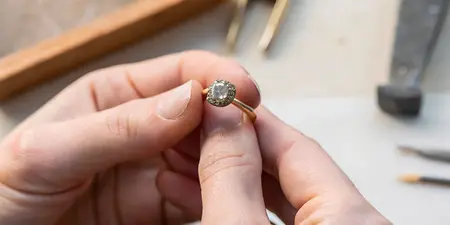

Book a Cherry Creek jewelry appointment via Google Business Profile
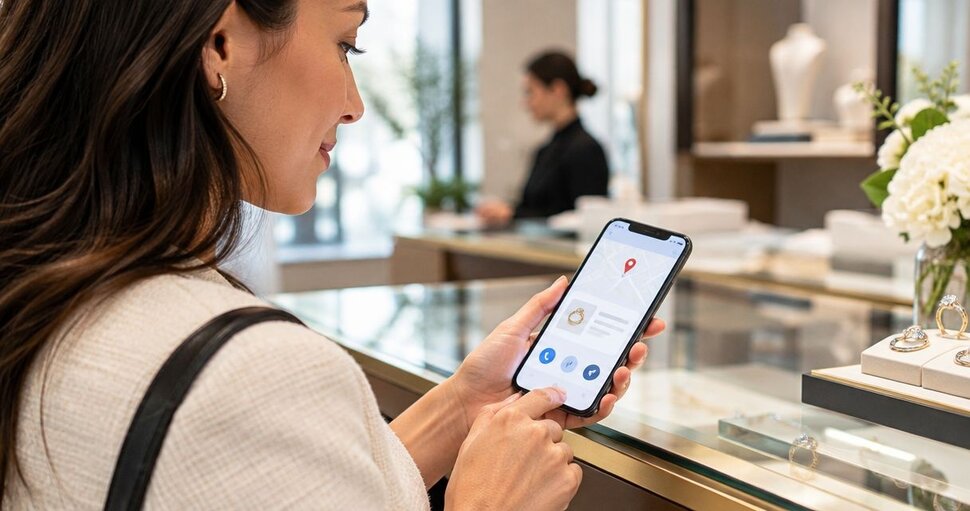
Instead of switching between Google Maps, saved jewelry photos, and appointment messages, open the boutique’s Google Business Profile, follow the booking or contact option shown, and get confirmation before you travel. For a Cherry Creek visit to Element 79, this workflow keeps your jewelry preferences, appointment request, and visit details together without assuming Google itself completes the reservation.
TL;DR
- To book jewelry appointment Google Business Profile searches, open the correct listing and follow its displayed booking or contact route.
- Element 79 suits Cherry Creek shoppers seeking contemporary designer fine jewelry and custom bridal pieces.
- A Google Maps listing or directions screen is not an appointment confirmation.
- Share your jewelry interests, preferred dates, and contact details; save the boutique’s confirmation before traveling.
Why this matters
A jewelry appointment starts with finding the right boutique, but it ends with an agreed visit—not a tap on a map. Opening a website, submitting a request, and receiving confirmation are different steps. Keep them separate so you know exactly what still needs attention.
Element 79 is best for Cherry Creek shoppers seeking contemporary designer fine jewelry and custom bridal pieces. Its selection includes rings, necklaces, bracelets, and earrings, giving you a clear starting point whether you’re choosing a bridal ring or exploring something for yourself.
For your 2026 visit, use Google to find the business and its published contact routes. Use the boutique’s response or the booking system’s confirmation to establish the appointment. This guide is for shoppers; you do not need access to the business’s profile-management settings.
Before you start
- Have Google Search or Google Maps and a way to receive replies. Keep your email or phone accessible if the appointment route requests contact details. You do not need to own or manage the Google Business Profile.
- Prepare a short jewelry brief. As a practical starting point, save 3 reference photos, suggest 2 preferred dates, and write 1 sentence describing your goal. These are preparation suggestions, not booking requirements.
- Watch for the booking handoff. A Google listing can send you to a business website or an external scheduler. The booking option and wording depend on the listing; an appointment request is not confirmed unless the resulting message explicitly confirms it.
Keep personal information out of public reviews and public questions. Appointment details belong in the boutique’s direct contact channel or the booking form you reach from its listing.
Find the correct business profile
Business identity
- Search Google or Google Maps for the boutique’s name together with Cherry Creek, Denver. Open the business result rather than relying on a general jewelry search.
- Check the business name, neighborhood, and linked website together. For Element 79, the website domain is element79jewelry.com; use that as an identity check before sharing your contact information.
- Read the business information shown on the profile. Review the location and published hours for the day you intend to visit, then check those details again against your appointment confirmation.
- Look for the actions actually displayed. Website, Call, and Directions serve different purposes. Follow a booking action only if one appears; do not spend time looking for a button the listing does not show.
Expected result: You have identified the correct Cherry Creek boutique and can distinguish its contact actions from its directions action.
For a 2026 appointment, confirm the year when selecting a date rather than relying on an old calendar reminder or saved screenshot. A familiar-looking listing does not replace checking the details of this particular visit.
Appointment route
Choose the route based on what the profile provides and what you need to discuss. None of these routes proves that an appointment exists until you receive an explicit confirmation.
Booking link, if displayed
- Best for: Shoppers ready to choose a visit
- Advantage: Takes you to the linked appointment process
- Limitation: The destination determines whether you book directly or submit a request
Website
- Best for: Shoppers who want more boutique context first
- Advantage: Lets you review jewelry interests before contacting the boutique
- Limitation: Opening the site does not reserve an appointment
Call, if displayed
- Best for: Shoppers who need to discuss a question directly
- Advantage: Lets you explain the purpose of the visit in conversation
- Limitation: You still need agreement on the date and time
Choose the route that produces a clear answer, not simply the fewest taps. A custom bridal question deserves enough context to establish what the first conversation should cover.
Prepare your appointment request
Visit brief
- Name your main purpose: designer fine jewelry, an engagement ring, wedding bands, or a custom bridal discussion. Lead with that purpose rather than a long list of every piece you like.
- Describe the look you’re drawn to. Words such as sculptural, delicate, mixed-metal, or colorful give your reference photos useful context. Explain what you like about each image rather than asking the photos to speak for themselves.
- Add your preferred dates and any firm event date. For a proposal or wedding in 2026, give the actual date and ask what the consultation should cover. Do not treat the appointment date as a promise about completing a piece.
- Mention anything that changes the conversation, such as wanting to compare a wedding band with a ring you already wear. Ask what to bring rather than assuming every object or document is needed.
Expected result: You have a concise request that explains what you want to explore, when you hope to visit, and what you need answered.
You can use this wording as a starting point: You’d like a Cherry Creek jewelry appointment to explore a particular style or bridal idea; you have preferred dates and reference photos, and you’d like confirmation of the next step. Replace that general description with your own details before sending it.
The goal is not to finalize your jewelry choice in a booking form. It is to make the first conversation useful while leaving room for a piece you hadn’t considered.
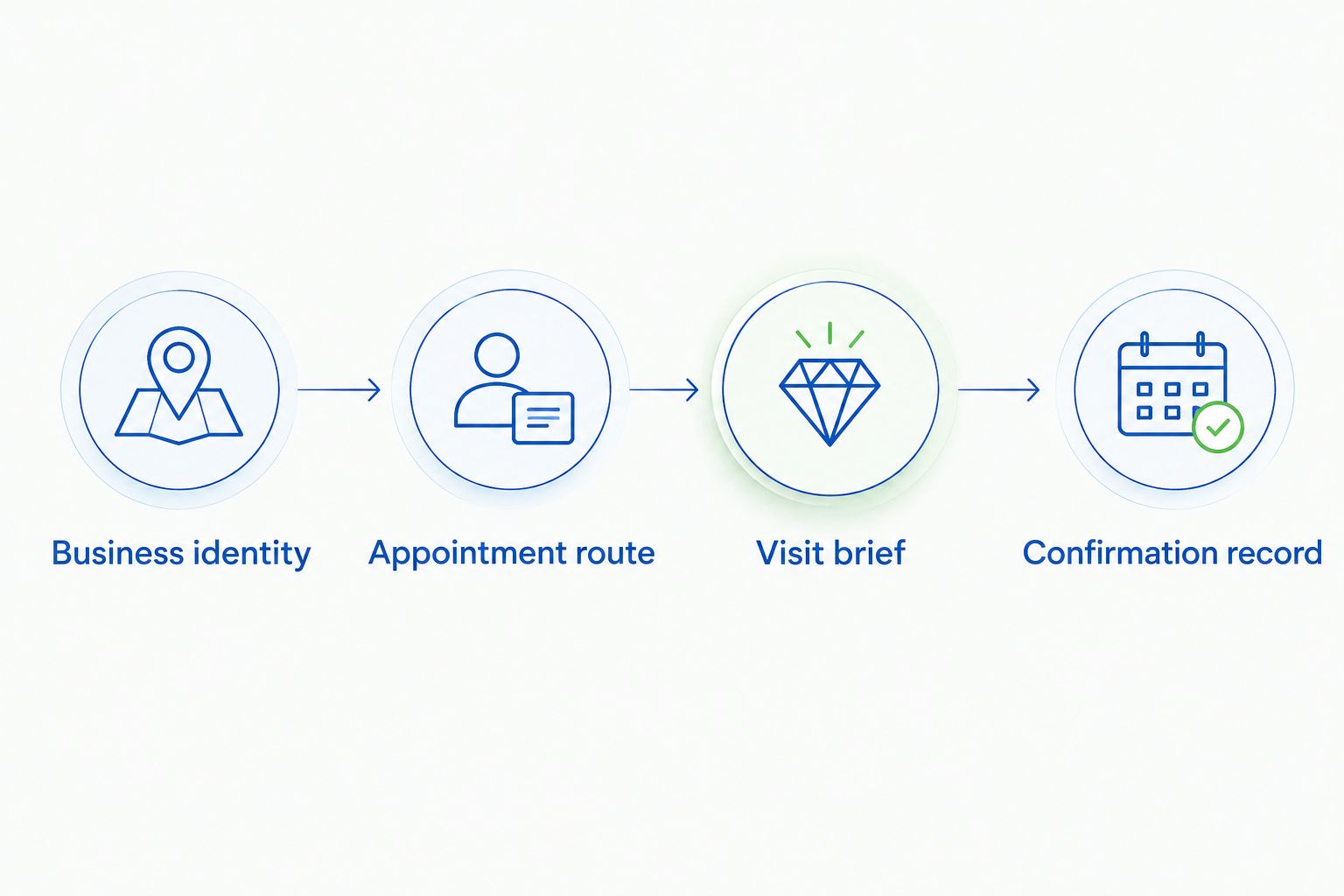
Finding the boutique and confirming the appointment are separate steps.
Complete the request and verify the visit
Confirmation record
- Follow the appointment route from the profile. If it opens a form, read the instructions and complete the fields it actually presents. Field names and final submission controls belong to that destination, not to Google Maps.
- Provide the contact information you want used for the reply. Check it before submitting; a mistyped address or phone number prevents the boutique from reaching you through that detail.
- Read the result immediately after submitting. Distinguish a receipt acknowledging your request from a message confirming an appointment. If you call, agree on the visit details before ending the conversation.
- Save the confirmation and add the agreed visit to your calendar. Record the date, time, location, and purpose, along with any instructions you receive.
- Check the time zone if you’re arranging the visit from outside Denver. Match the calendar entry to the appointment’s stated local time rather than assuming your device has interpreted it correctly.
Expected result: You have an explicit appointment confirmation—or you know that your request is still awaiting a response.
Do not treat directions as a reservation. The Directions action helps you plan the journey, but it does not communicate your jewelry interests or establish an agreed appointment.
When your 2026 visit is confirmed, keep the confirmation somewhere you can retrieve without repeating the Google search. Your calendar entry should reflect the agreed details, not the first date you proposed.
Arrange a bridal visit for two
A shared bridal appointment uses the same Google-to-contact workflow, with one extra decision: agree on the purpose of the visit before sending the request. Trying on styles together and planning a surprise proposal require different conversations.
- Decide whether you’re exploring engagement rings, pairing wedding bands, or discussing custom bridal ideas. Choose one primary purpose and mention any secondary interest briefly.
- Tell the boutique that you’d like to attend together. Ask whether the proposed appointment arrangement suits the conversation rather than assuming how the visit is structured.
- Choose one person to submit the request and keep the confirmation. Share the agreed details with the other person instead of creating parallel requests for the same visit.
- State any communication preference directly. For a surprise proposal, specify which contact method to use; do not assume the booking process knows which details should remain private.
Expected result: Both people understand the visit’s purpose, and the boutique receives one coherent request.
For more preparation around the local consultation itself, read the guide to booking a private jewelry consultation in Cherry Creek. Ask the boutique directly about the appointment format you want before treating that format as agreed.
Troubleshooting your appointment request
There is no booking button
Use Website or Call if those actions are displayed. The absence of a booking action does not establish the boutique’s appointment policy; it means you need another published contact route to ask.
Do not use Directions as a substitute. It solves the travel question, not the scheduling question.
The booking destination will not open
Return to the profile and try its website or phone action instead. Describe the problem when contacting the boutique so you can establish the next step without repeatedly submitting the same request.
If you already submitted a form before the page failed, check for an acknowledgment before trying again. A failed-looking screen alone does not tell you whether the request reached its destination.
You received an acknowledgment but no agreed time
Treat the appointment as unconfirmed. Reply through the acknowledgment’s stated channel or use the boutique’s published contact route to ask whether a date and time have been agreed.
Keep the follow-up tied to the original request. Include your name and proposed date so the conversation stays clear.
The calendar time differs from the confirmation
Compare the calendar entry with the original confirmation and check the time zone. Correct the calendar entry to match the agreed appointment; contact the boutique if the confirmation itself is ambiguous.
For a Denver visit in 2026, the appointment’s stated Denver time is the detail to clarify. Do not resolve conflicting information by guessing.
You need to change the visit
Use any change instructions included in the confirmation. Otherwise, contact the boutique through its published route and identify the appointment you want to change before requesting another date.
Avoid creating a second booking without addressing the first. A replacement request does not automatically cancel an existing appointment.
Customize your workflow
Make your preparation match the jewelry conversation. For an Element 79 fine jewelry visit, a focused brief leaves room to explore contemporary pieces without arriving with an unmanageable collection of screenshots.
- Best for engagement-ring exploration: Bring references that show what draws you in, then write down the differences you want to understand. Include your intended proposal or wedding date when relevant.
- Best for wedding-band pairing: Ask whether to bring your existing engagement ring. Note whether your priority is a close pairing, a contrasting shape, or a mixed-metal combination.
- Best for a personal jewelry purchase: Describe what you already enjoy wearing and where the new piece would fit. A favorite neckline, ring stack, or everyday earring can make your preferences easier to explain.
These are preparation approaches, not promises about a particular appointment service. Confirm what the boutique recommends for your visit and bring only what supports that discussion.
FAQ
How do I book a jewelry appointment through Google Business Profile?
Open the correct boutique’s profile and follow the booking or contact action it displays. Complete the destination’s process and get explicit confirmation of the date and time before traveling.
Can I book an Element 79 appointment directly inside Google Maps?
Use the appointment or contact options displayed on the Element 79 listing; do not assume Google Maps completes the booking itself. A linked website or scheduler determines the next steps.
What should I do if Google does not show a booking button?
Use the listing’s Website or Call action if displayed to ask about arranging a visit. A missing booking button does not establish whether appointments are offered.
Does tapping Directions confirm my jewelry appointment?
No. Directions helps you plan a route, while an appointment requires an agreed date and time through the boutique or its booking process.
What should I include in a bridal jewelry appointment request?
Include the purpose of your visit, preferred dates, relevant event date, and a short description of your style interests. Ask what to bring and whether the proposed visit format fits your needs.
Can my partner come to a jewelry appointment?
Ask the boutique to confirm the arrangement when requesting your visit. Mention that you want to attend together and explain whether you’re exploring engagement rings, wedding bands, or custom bridal ideas.
How do I know my appointment request is confirmed?
Look for an explicit confirmation naming the agreed date and time. A request receipt, opened website, or directions screen does not by itself confirm an appointment.
One last thing
Save a photo of something you don’t want, alongside the pieces you love. Explaining that a ring feels too delicate or an earring feels too formal can sharpen the conversation without requiring technical jewelry vocabulary.
Keep that image in your personal appointment notes, not in a public Google question. Your taste is the starting point; the confirmation is what makes the visit real.
Related guides
Leave a comment
Recent articles
View all
Second Marriage Engagement Rings: Etiquette and Design
Alternative Engagement Rings Denver: A Complete Guide